Generate Prompt

Free ChatGPT Image Prompts That Actually Work

Copy tested AI image prompts with real result examples, before/after tests, negative prompts and style ideas.

What Image Prompt List is for

Image Prompt List is a practical library for people who create AI images for portraits, product photos, social posts, posters, ads, moodboards and visual experiments. Each public prompt page is meant to give you more than a phrase to copy: it shows the prompt structure, negative prompt guidance, settings, examples and notes that explain why the wording works.

How prompts are selected and organized

Prompts are grouped by use case, model fit and visual problem. Categories help you browse by outcome, while model labels show where the wording is most useful, such as ChatGPT image generation, Midjourney, Flux or Stable Diffusion. Before-and-after pages show how weak prompts are rebuilt with clearer subject, lighting, camera, composition and constraint details.

How to choose a prompt

  • Start with the closest use case instead of the most exciting style label.
  • Pick prompts with a subject, setting, lighting and camera direction you can adapt.
  • Use negative prompts only for the problems that would hurt your image, such as bad hands, fake text, warped logos or messy backgrounds.
  • Change one part at a time after the first result so you know what improved the image.

Trending AI Prompts

Fast visual ideas with real prompt pages and result examples.

Build Your Own AI Image Prompt

Choose subject, style, camera, lighting, mood and negative prompt.

How it works

1. Pick a prompt

Choose a tested prompt from the catalog.

2. Copy or customize

Use it as-is or edit subject, style, lighting and mood.

3. Generate better images

Paste it into ChatGPT, Midjourney, Flux or another AI image tool.

Latest Prompt Examples

Before/After Examples

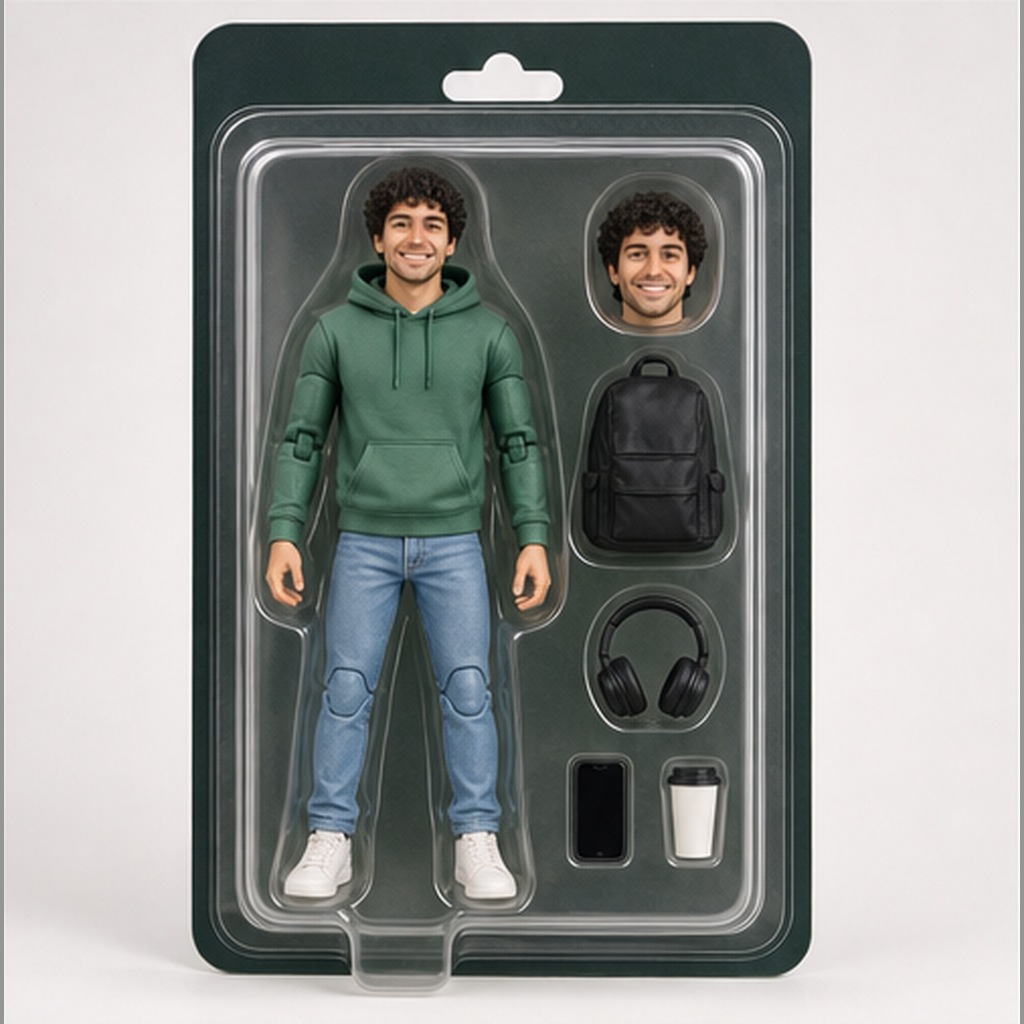
Photo to realistic miniature person on desk before imageBeforePhoto to realistic miniature person on desk after imageAfter
Weak promptImproved promptFinal image/result

Photo to realistic miniature person on desk

Compare a source portrait with a generated realistic tiny person standing on a desk beside everyday objects with shadows and shallow depth of field.

Weak: Uploaded portrait photo with visible face, hairstyle, outfit colors, and expression used as the reference.

Improved: Create a realistic miniature version of the person from the uploaded photo standing on a desk next to everyday objects. Keep the...

Compare prompt
Photo to soft plush toy shelf collectible before imageBeforePhoto to soft plush toy shelf collectible after imageAfter
Weak promptImproved promptFinal image/result

Photo to soft plush toy shelf collectible

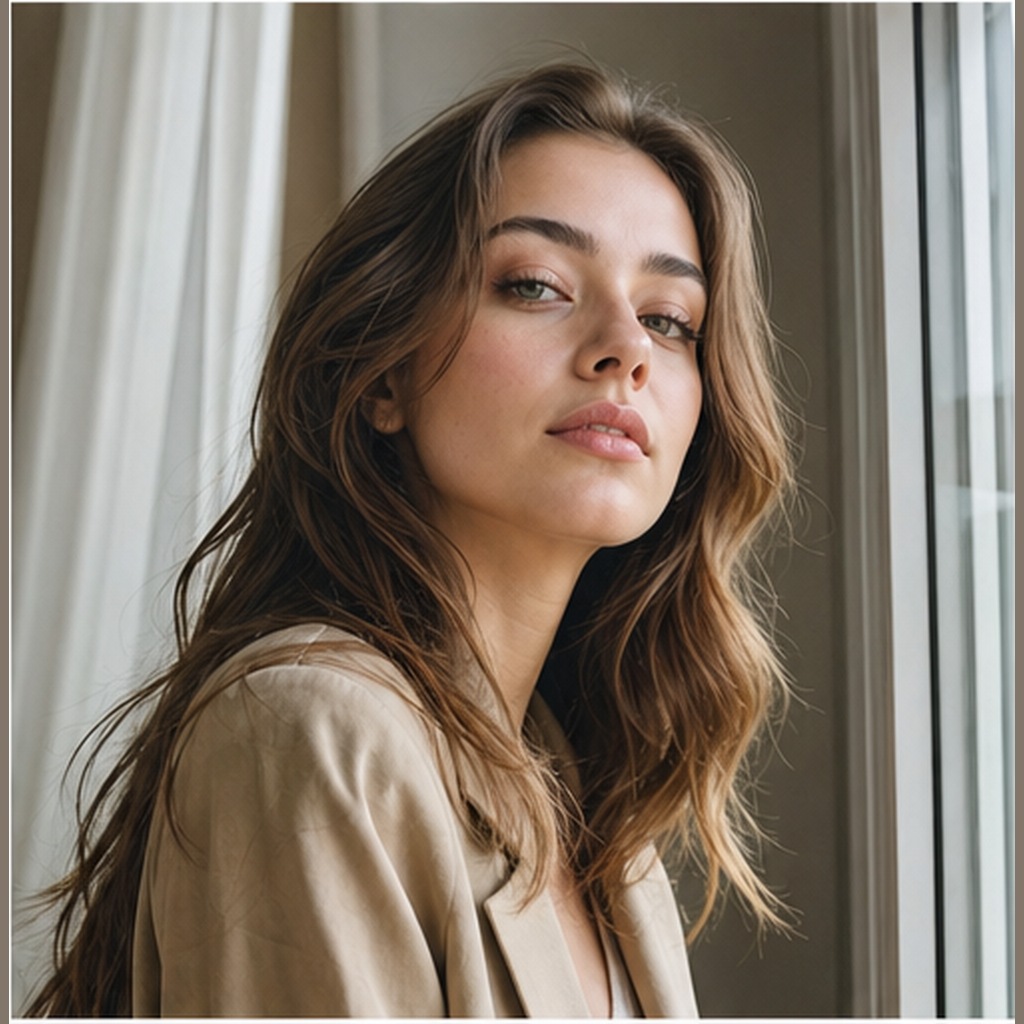
Compare a source portrait with a generated soft plush toy shelf result using fuzzy fabric, stitched details, rounded proportions and warm product lighting.

Weak: Uploaded portrait photo with visible facial features, hairstyle, outfit colors, and expression used as the reference.

Improved: Turn the uploaded person into a soft plush toy version sitting on a cozy shelf. Keep the main facial features, hairstyle, outfit...

Compare prompt
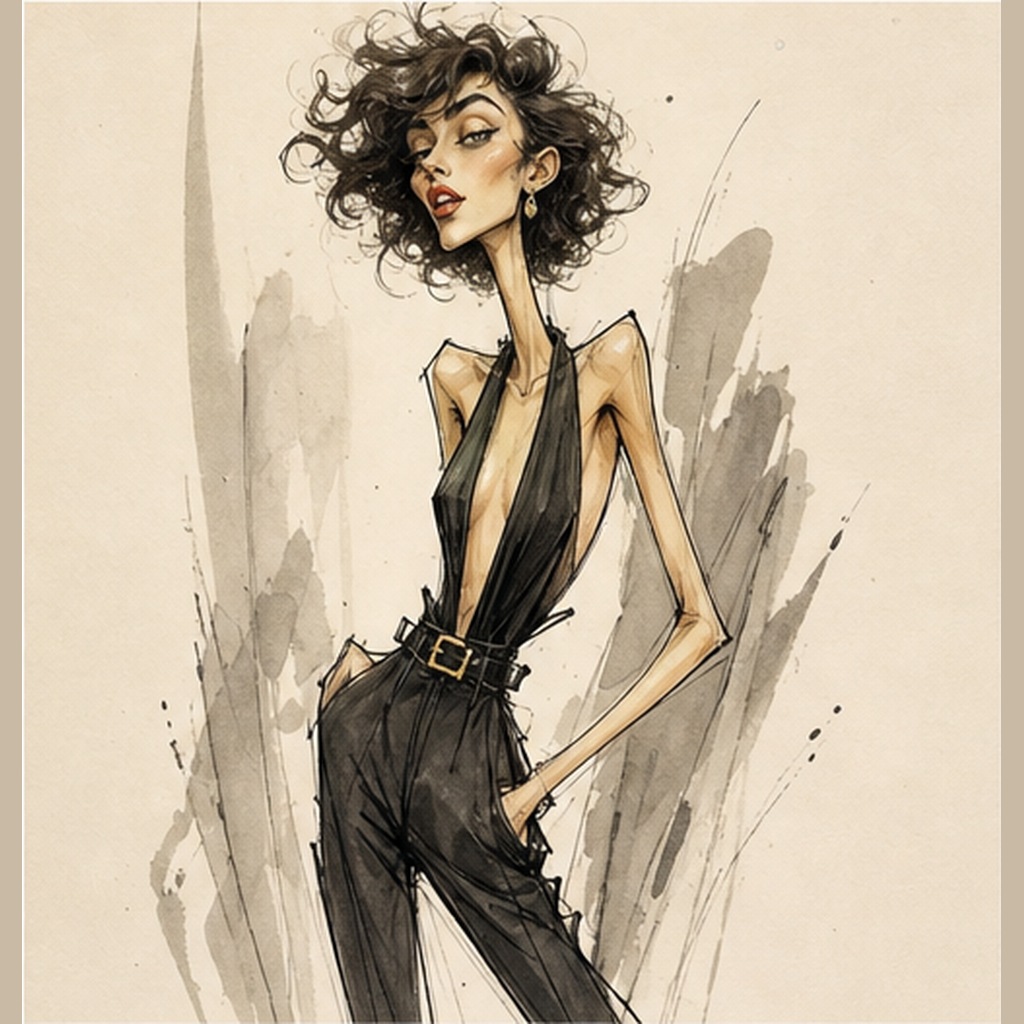
Photo to funny fashion caricature portrait before imageBeforePhoto to funny fashion caricature portrait after imageAfter
Weak promptImproved promptFinal image/result

Photo to funny fashion caricature portrait

Compare a source portrait with a generated fashion caricature result using rough ink, watercolor, notes, arrows, doodles, and an editorial sketch mood.

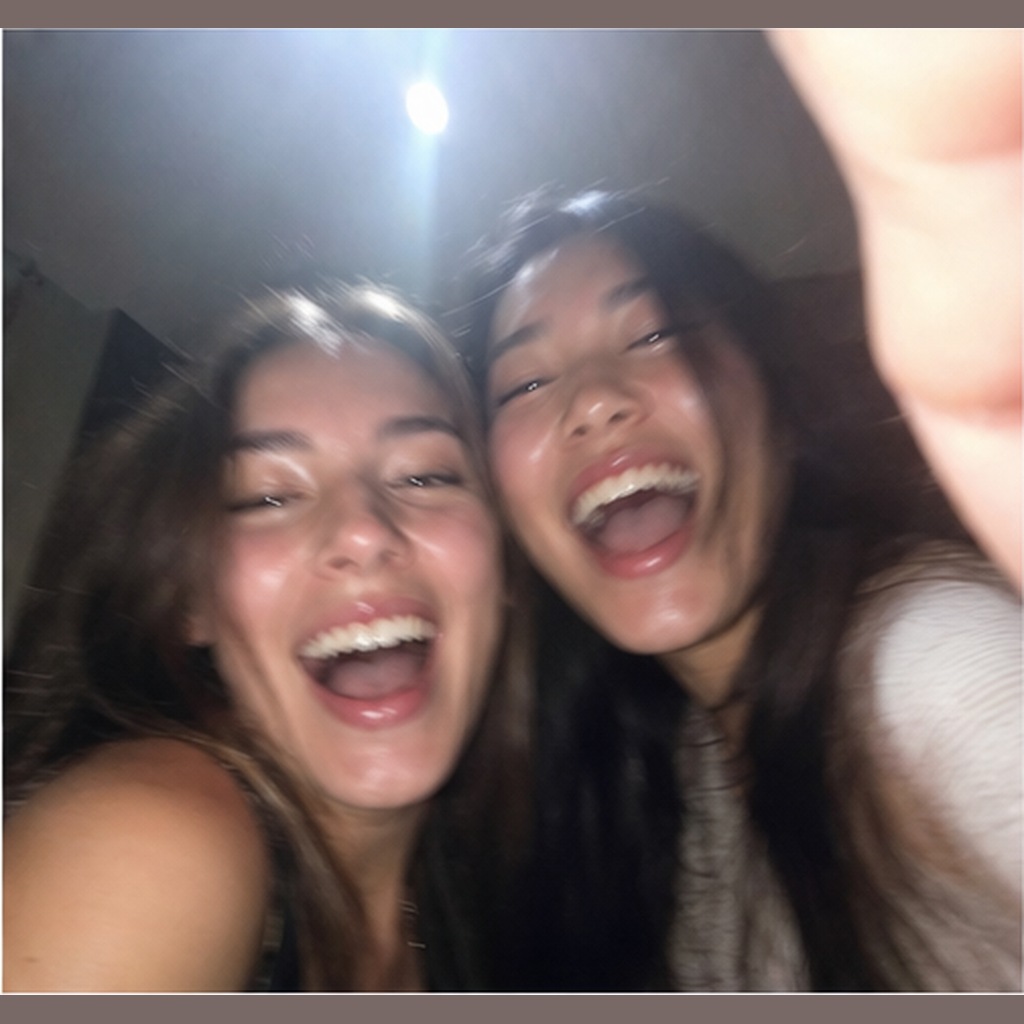
Weak: Uploaded portrait photo with visible pose, expression, hair, outfit and hands used as the reference.

Improved: Transform the uploaded photo into a funny but stylish fashion caricature portrait. Keep the person recognizable through broad fac...

Compare prompt

Latest Articles

Soft Plush Toy Shelf Prompt

Copy a soft plush toy shelf prompt with source/result examples, fuzzy fabric texture, stitched details, warm lighting and collectible product-photo composition.

Free ChatGPT Prompts, Funny AI Prompts and Image Prompt Examples

Image Prompt List is a free library for creators who want practical ChatGPT prompts, reusable AI image prompts, funny AI prompts, cool AI prompts and result examples without digging through noisy prompt dumps. Use it when you need a quick visual idea for a portrait, product photo, poster, thumbnail, meme, ad concept or social media image, then refine the prompt with clearer subject details, lighting, camera language and negative prompts.

The goal is simple: every page should help you copy a useful prompt and understand why it works. You can browse before/after prompt examples to compare weak prompts with stronger versions, use the prompt generator to assemble a structured draft, or open category pages for funny, cool and crazy AI image prompts when you want more playful directions. For cleaner outputs, the negative prompts section collects practical constraints for bad hands, distorted faces, blurry results, unreadable text, watermarks and warped product shapes.

Start broad with ChatGPT prompts, then move into focused categories such as product photography, portraits, realistic images, meme AI prompts and viral AI prompts. Each internal link is designed as a useful next step rather than a keyword loop, so you can move from an idea to a copy-paste prompt, then to better result examples and cleaner revisions.

Are these prompts free?

Yes, the examples are free to copy and adapt.

Do I need an API?

No, the prompt generator works in the browser.